
Buying
Baby monitor app vs dedicated monitor: honest comparison
It depends on what you need most. A baby monitor app on two devices you already own costs nothing extra, has no distance limit and keeps getting updates, but it needs internet and ties up a second device. A dedicated radio monitor needs no internet, usually sees in the dark and has a battery parent unit, but costs money up front and stops at the garden fence.
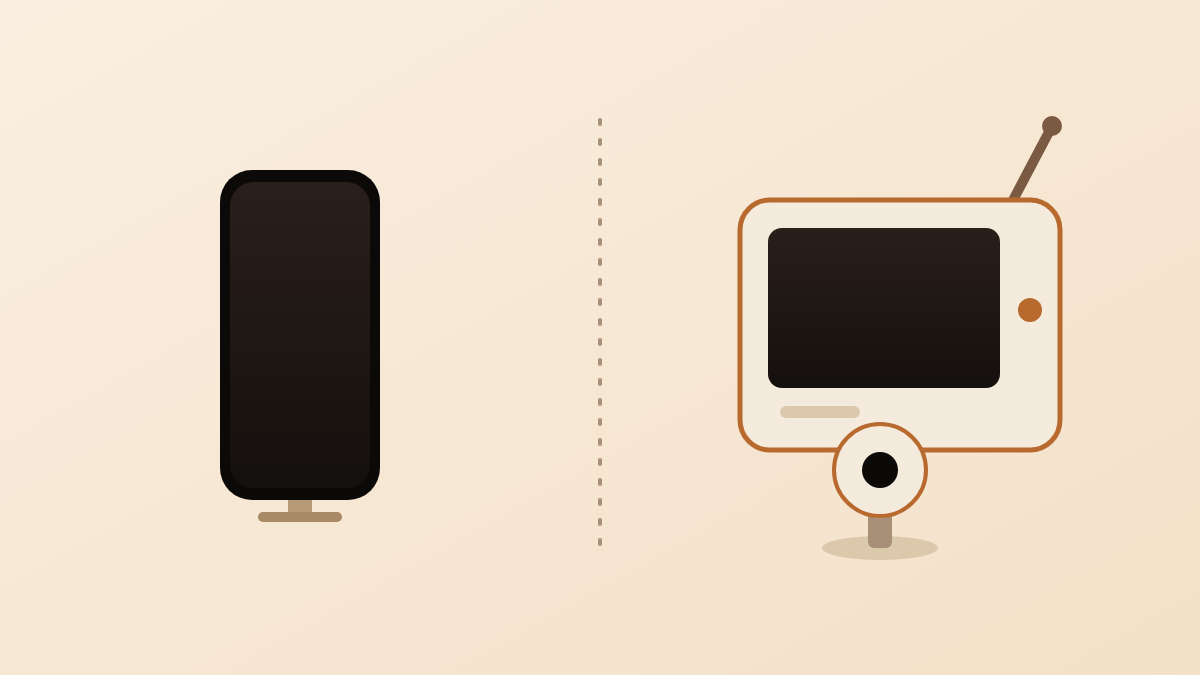
The three kinds of baby monitor, and who is writing this
Team Nanuka wrote this page, and Nanuka makes a baby monitor app, so read the app column with that in mind. We say plainly where an app loses. The comparison is between three categories, not between named products.
- An app on two devices you already own. One phone or tablet stays near the crib as the camera. A second phone or tablet is the screen. The app connects the two.
- A dedicated radio monitor with a parent unit. A camera (or just a microphone) and a separate handheld screen, sold as a pair. They talk to each other over their own radio link. No Wi-Fi, no app, no account.
- A Wi-Fi camera monitor with a cloud app. A camera that joins your home Wi-Fi and sends video to the vendor’s app on your phone, usually through the vendor’s servers.
Retailers often lump the last two together as video monitors. They behave very differently when the internet drops and when the vendor stops supporting the product, so this page keeps them apart.
Side by side: the same ten points for all three
The table below scores each category on the same ten points. Depends on the app means the answer changes from one app to the next, so check the specific one.
| App on two devices you own | Radio monitor with parent unit | Wi-Fi camera with cloud app | |
|---|---|---|---|
| Cost to start | Free or a small subscription; a stand and a charger | The price of the camera and parent unit set | The camera, often plus a subscription for cloud features |
| Needs internet? | Usually yes, on both devices | No | Yes, for the camera and for your phone |
| Works during an internet outage? | Usually not | Yes; it does not use the internet at all | Remote viewing stops; some cameras keep a home-only view |
| Range | No distance limit while both devices are online | Within the home and garden; walls and floors shorten it | No distance limit while the camera and your phone are online |
| Who can see the video | Depends on the app: device-to-device apps keep it between your two devices; cloud-based apps route it through the vendor | Only the paired parent unit | You, the vendor’s servers, and anyone who gets your account password |
| Night vision | Depends on the phone; most phone cameras show very little in a dark room | Usually built in (infrared) | Usually built in (infrared) |
| Battery and power | Both devices plugged in; the one at the crib is tied up all night | Camera plugged in; parent unit runs on its own rechargeable battery | Camera plugged in; the phone you watch on drains faster |
| Extra features | Varies; cry detection is common, two-way talk and lullabies only in some apps | Two-way talk, lullabies and a room temperature display are common | Two-way talk, lullabies, sleep logs and cloud recording are common |
| Portability and travel | The same two devices work anywhere with a connection | Pack the camera, the parent unit and two power adapters | The camera needs a Wi-Fi network at the destination |
| When the vendor shuts down | Updates stop; device-to-device apps keep working until an iOS update breaks them; cloud-dependent apps stop | Keeps working; there is nothing to shut down | Remote viewing and cloud features can stop on a date the vendor sets |
Two rows deserve a note. Who can see the video is the row most parents skip and the one that matters most for privacy; our post on where baby monitor video goes walks through it. When the vendor shuts down is not a theoretical row, as the section further down shows.
Where an app wins
An app wins on cost, range, updates and travel, and on privacy when it connects your two devices directly. In detail:
- Zero hardware cost. You use a phone or tablet you already own. The only extras are a stand and a charger.
- No distance limit. The parent unit of a radio monitor stops a few rooms away. An app works from the garden, the office or another city, as long as both devices are online.
- Software updates. A dedicated unit is finished the day it leaves the factory. An app gets new detection models, bug fixes and iOS compatibility fixes for as long as the developer maintains it.
- Privacy, when the app is device-to-device. Peer-to-peer means the video goes straight from one device to the other and no server stores it. A cloud camera cannot offer that; a radio monitor offers it by default. Our post on whether baby monitors can be hacked explains what to look for.
- Travel. The two devices already in your bag are the whole kit. Nothing else to pack, nothing to re-pair at a hotel.
- Alerts on the phone you already carry. No second gadget in your pocket. On iPhone the alert still has to get past Sleep Focus; our guide to alerts silenced on iPhone covers the settings.
Where a dedicated monitor wins
A dedicated radio monitor wins on independence from the internet, night vision, battery life and simplicity. In detail:
- No internet needed. A radio monitor works in a house with no broadband, during an outage, and in a holiday cottage with no Wi-Fi. An app on two phones cannot do that.
- Night vision. Almost every dedicated video unit has infrared LEDs that light the crib for the camera without lighting the room. Phone cameras do not, so an app shows a dark room as a dark room unless you leave a night light on.
- A parent unit with its own battery. The handheld screen runs all night on a charge and sits on the bedside table switched on. Nobody has to unlock a phone and open an app at 3 a.m.
- No phone tied up. The device at the crib is a purpose-built camera. Nobody needs to borrow it, and no update restarts it at midnight.
- Two-way talk and lullabies. Most dedicated units let you speak to your baby through the camera and play a few soothing sounds. Some apps have this; many do not.
- Nothing to configure. Plug in both halves and it works. No app to update, no notification permission to grant, no Focus mode to adjust.
A Wi-Fi camera with a cloud app sits between the two: it shares the app’s range and alerts and the radio monitor’s night vision, but it depends on the vendor and on the internet.
The middle ground: an app on a spare old phone
If you have an old iPhone in a drawer, you can get most of an app’s advantages without tying up your daily phone. The old phone becomes the camera at the crib and stays plugged in; your current phone is the screen. Apple lists iOS 16 as compatible with the iPhone 8, iPhone 8 Plus and iPhone SE (2nd generation) and every later model (Apple Support, 2022), so a phone from 2017 onwards usually qualifies.
What this fixes: the no phone tied up point in the dedicated column disappears, and the hardware cost stays at zero. What it does not fix: the old phone still needs internet and a charger, it still has no infrared, and it must stay unlocked with the app open. The full set-up, including power, heat and placement, is in our guide to using an old iPhone as a baby monitor.
Decision checklist
Pick the category that matches more of your lines below.
Pick an app if:
- You already own two iPhones or iPads, or one plus an old one in a drawer.
- You want to check on your baby from outside the home, or while travelling.
- Your home internet is reliable, and both devices can stay plugged in.
- You care about where the video goes and can choose a device-to-device app.
- You are happy to leave a night light on, or you mainly want audio at night.
Pick a dedicated monitor if:
- Your internet is unreliable, or the nursery is out of Wi-Fi reach.
- You want to see the crib in a fully dark room.
- You do not want a phone tied up at the crib or on the bedside table.
- You want two-way talk or built-in soothing sounds.
- Several adults share the night shift and a handheld unit passes between them more easily.
If you are torn, the spare-old-phone route above lets you try an app for the price of a stand.
Where Nanuka fits
Nanuka belongs in the first column. It turns two Apple devices you already own into a baby monitor. One device — the Baby Station — sits near the crib and streams live video and audio. The other — the Monitoring Station — is the one you keep with you. It runs on iPhone and iPad with iOS 16 or later. There is no extra hardware to buy, no account to create, and the video never passes through a server: the stream is encrypted and travels device-to-device, and no server stores it. Cry detection runs on the Baby Station itself, with no audio uploaded anywhere; the details are in our post on on-device cry detection. Alerts arrive as Time Sensitive notifications. There is no distance limit, and Picture in Picture keeps the feed on screen while you use other apps.
What you need: two Apple devices on iOS 16 or later, one as the Baby Station near the crib and one as the Monitoring Station with you, each with an internet connection. Pairing takes a QR code or a short code, with no account. Nanuka is on the App Store, and the set-up on a spare phone is in our guide to using an old iPhone as a baby monitor.
Questions parents ask next
Does a baby monitor app work without Wi-Fi or internet?
Most apps need an internet connection on both devices, Nanuka included. A few apps can connect over the home router alone, but only while the router is on. If you want a monitor that needs no network at all, choose a radio monitor with its own parent unit.
Can I use one phone as both the camera and the screen?
No. An app needs two devices: one stays near the crib as the camera, and one stays with you as the screen. A phone on a stand in the nursery with nobody watching it is a camera, not a monitor.
Is an app cheaper than a dedicated monitor?
Usually, if you already own two devices. The app is free or a small subscription, and a stand and charger cost little. If you would have to buy a second phone, compare that price with a mid-range dedicated unit before deciding.
Do dedicated baby monitors need Wi-Fi?
Radio monitors with a parent unit do not; they send the signal straight from the camera to the parent unit. Wi-Fi camera monitors do: the camera joins your home network, and the vendor's app shows the video on your phone, usually through the vendor's servers.
Which kind of monitor is safest for privacy?
A radio monitor with a parent unit, because the video never touches the internet. A device-to-device app comes close: the stream goes straight between your two devices and no server stores it. A cloud camera sends video to the vendor, so its privacy depends on that vendor's security and policies.
Does any baby monitor reduce the risk of SIDS?
No. The American Academy of Pediatrics says there is no evidence that home monitors or consumer wellness devices reduce the risk of SIDS. A monitor helps you hear and see your baby; safe sleep practices are what reduce the risk.
Sources
- How to Keep Your Sleeping Baby Safe: AAP Policy Explained — American Academy of Pediatrics (HealthyChildren.org), 2026
- Sleep-Related Infant Deaths: Updated 2022 Recommendations for Reducing Infant Deaths in the Sleep Environment — American Academy of Pediatrics, Pediatrics, 2022
- iPhone models compatible with iOS 16 — Apple Support, 2022
Published 15 Oct 2026 · Written by Team Nanuka; every fact is checked against the sources above before it is published.