
Privacy & security
Where does your baby monitor video actually go?
It depends on the architecture. Cloud-connected monitors send video through the maker’s servers, and many store clips there, so staff, hackers and courts can reach it. Dedicated radio monitors keep video inside the house. Device-to-device apps with end-to-end encryption send video straight between your two devices, so no server can read or keep it. The privacy policy tells you which one you have.
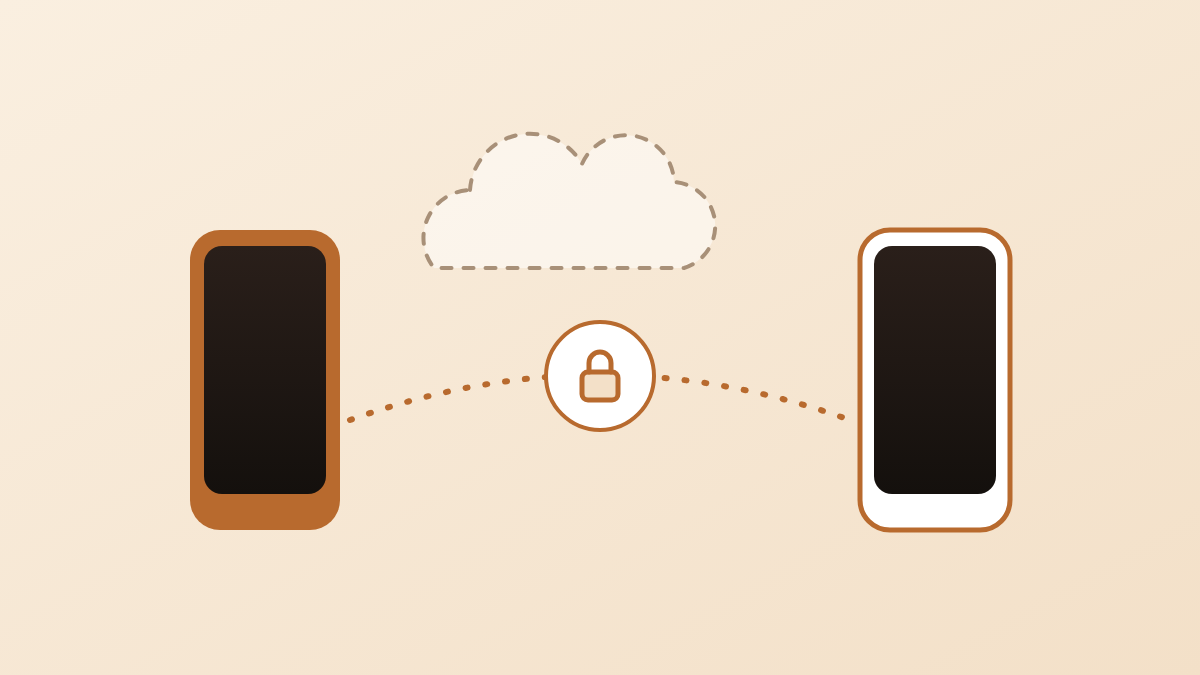
The three ways a baby monitor moves video
A baby monitor sends its video in one of three ways: through the maker’s cloud, over a private radio link inside your home, or directly from one device to another. The name on the box rarely tells you which one you have, but the difference decides who can see your baby.
Nanuka, the app behind this page, is in the third group. Read the comparison with that in mind.
Cloud-relayed or cloud-stored. The camera connects to your Wi-Fi and sends the video to the maker’s servers. Your phone app fetches it from there. Many of these monitors also keep clips or full recordings on those servers, usually as part of a subscription. This group includes most Wi-Fi cameras sold as ‘smart’ monitors.
Local-only radio monitors. A camera unit talks to a handheld parent unit over its own radio signal, often on the 2.4 GHz band. The video never touches the internet. You cannot watch from outside the house, and there is nothing stored anywhere unless the unit has a memory card.
Device-to-device apps. Two phones or tablets run the same app. The video goes straight from the device near the crib to the device in your pocket, over an encrypted connection. A small amount of connection data passes through a server so the two devices can find each other. The video itself does not.
| Cloud-relayed or cloud-stored | Local-only radio monitor | Device-to-device app | |
|---|---|---|---|
| Where the video travels | Camera → maker’s servers → your phone | Camera → parent unit, inside the house | Your baby’s device → your device, directly |
| Who can see it | You; the company’s staff and contractors, within the limits of its policy; anyone who breaks into your account or the company’s servers | You, and anyone within radio range with matching hardware | You, and only you, when the stream is end-to-end encrypted |
| What is stored | Live stream copies, clips or recordings on the servers, for as long as the policy says | Nothing, unless the unit has a memory card | Nothing, unless the app adds a saving feature |
| If the company shuts down | The camera usually stops working; stored footage may be deleted or sold with the company’s assets | Keeps working; nothing to shut down | Depends on whether the app needs the company’s servers to connect; nothing stored to lose |
Read the second row twice. Where video travels through a server, the people who run that server can see it. Whether they do is a matter of policy and controls, not physics.
What ‘stored in the cloud’ means in practice
Stored in the cloud means a copy of your baby’s video sits on computers owned by the company, and that company decides who can reach it. Four things follow, and each one is documented in a real case.
Employees can look. In May 2023 the US Federal Trade Commission (FTC) charged Ring, the home-camera company owned by Amazon, with “allowing any employee or contractor to access consumers’ private videos” (FTC, 2023). The complaint said one employee viewed thousands of recordings from cameras in bedrooms and bathrooms over several months, and was only stopped when a colleague noticed (FTC, 2023).
Breaches reach stored video, not only the live feed. The same FTC complaint said hackers used stolen passwords to reach the stored videos, live streams and account profiles of about 55,000 US customers (FTC, 2023). A video that was never stored cannot be stolen from a server.
It has a price tag. Ring agreed to pay $5.8 million in refunds under the proposed order (FTC, 2023). In April 2024 the FTC sent 117,044 payments, totalling more than $5.6 million, to affected customers (FTC, 2024). The order also required Ring to delete customer videos obtained before 2018 and any models or algorithms built from them (FTC, 2023).
Retention and legal requests follow the company, not you. Each policy sets how long clips are kept, what happens after you delete one, and whether the company hands footage to the police or a court when asked. A company that holds your video can be ordered to produce it. A company that never had it cannot.
None of this makes a cloud monitor a bad product. It means its privacy rests on the company’s controls, every day, for as long as you own it.
What ‘end-to-end encrypted’ means
End-to-end encrypted means the two devices agree on the encryption keys with each other, so only those two devices can turn the video back into pictures. Plain ‘encrypted’ usually means the video is scrambled on the way to a server, unscrambled there, and scrambled again on the way to you. The server holds a readable copy in the middle.
This is the difference between a letter in a sealed envelope and a letter the postal service opens, reads, files, and seals again. Both are ‘sealed’ at some point. Only one is private from the carrier.
Real-time video uses a standard for this. The Secure Real-time Transport Protocol (SRTP) encrypts each packet of audio and video. The Datagram Transport Layer Security (DTLS) handshake is how the two devices agree on the keys. Together they are called DTLS-SRTP, defined by the Internet Engineering Task Force (IETF) in RFC 5764. The standard’s abstract states the point that matters for privacy: “DTLS keying happens on the media path, independent of any out-of-band signalling channel present” (IETF, 2010). In plain words, the keys are made between the two devices, not handed out by a server.
Apple uses this design for FaceTime. Its Platform Security guide says that “the audio/video contents of FaceTime calls are protected by end-to-end encryption” and that “Apple can’t decrypt the data” (Apple Platform Security guide). The guide lists the same building blocks, SRTP and Internet Connectivity Establishment (ICE). A baby monitor app that uses DTLS-SRTP correctly gives you the same property: the company that made it cannot watch.
Two signs tell you an app has done this honestly. First, the policy or support page names the protocol rather than the word ‘military-grade’. Second, the app offers a way to verify the connection, such as a short phrase or code shown on both devices that should match. That phrase is derived from the keys, so a match proves no one sits in the middle.
Questions to ask before you buy
Six questions settle the matter for any monitor, app or camera.
- Where does the live video travel? Through your servers, inside my home, or directly between my devices?
- Is any video or audio stored on your servers? If yes, for how long, and what happens when I delete it?
- Is the stream end-to-end encrypted, and with which protocol? ‘Yes, DTLS-SRTP’ is a real answer. ‘Yes, encrypted’ is not.
- Can anyone at the company decrypt and view my stream? Ask for the answer in writing.
- Do you use a relay, and can it read the stream? A relay that forwards ciphertext is fine. A relay that decrypts is a server in the middle.
- What happens to the camera and to stored footage if the company closes?
The Global Encryption Coalition’s guide for parents gives the same advice in one line: “Choose devices that offer encryption, preferably end-to-end” (Global Encryption Coalition, 2024). If the seller cannot answer question 3 and question 4, you have your answer.
For the related question of who else can get in, read Can baby monitors be hacked? For the wider trade-offs between the two categories, see Baby monitor app vs dedicated monitor.
Where Nanuka fits
Nanuka is a device-to-device app. The live stream travels directly between your two paired devices. It is never stored, recorded, transcoded or played back on any server, including ours. When your home network will not allow a direct connection, the encrypted stream is bounced through a relay we run, which forwards packets it has no key to read. There is no cloud recording feature to turn off, because there is no cloud recording.
The stream is encrypted with DTLS-SRTP, the same standard that secures FaceTime and other real-time calls. The two devices agree on keys directly with each other, so the encryption is end-to-end: our relay, our signalling database and your internet provider all see only ciphertext. You can compare a short verification phrase on both devices to confirm you are connected to the device you think you are.
There is no account. Cry detection also runs on the Baby Station itself; see How on-device cry detection works. The data we collect is listed in our Privacy Policy.
What you need: two Apple devices, one as the Baby Station near the crib and one as the Monitoring Station with you, both on iOS 16 or later and both with an internet connection. An old iPhone works well as the Baby Station.
Questions parents ask next
Is every Wi-Fi baby monitor a cloud monitor?
No. Wi-Fi is only the way the camera reaches the internet. What matters is where the video goes next. A cloud monitor sends it to the maker’s servers; a device-to-device app sends it straight to your other device. The privacy policy, not the box, tells you which one you have.
If a monitor says ‘encrypted’, can the company still watch my video?
Often, yes. ‘Encrypted’ on its own usually means the video is protected on the way to the server and decrypted there, so the company holds a readable copy. Only ‘end-to-end encrypted’ means the keys stay on your devices and the company cannot read the stream.
Can a relay server see my baby’s video?
Not when the stream is end-to-end encrypted. A relay only forwards packets between two devices that cannot reach each other directly. It never receives the keys, so what passes through it is unreadable to the relay operator.
If I delete a clip in the app, is it gone from the cloud?
Only if the privacy policy says deleted clips are removed from the servers and from backups. Some policies keep copies for a stated period after deletion. Search the policy for ‘retain’ and ‘delete’ to find the real answer.
Does Nanuka store video anywhere?
No. The live stream travels directly between your two paired devices. It is never stored, recorded, transcoded or played back on any server, including ours. There is no cloud recording feature to turn off, because there is no cloud recording.
Sources
- FTC Says Ring Employees Illegally Surveilled Customers, Failed to Stop Hackers from Taking Control of Users’ Cameras — US Federal Trade Commission, 2023
- FTC Sends Refunds to Ring Customers Stemming from 2023 Settlement — US Federal Trade Commission, 2024
- RFC 5764: DTLS Extension to Establish Keys for the Secure Real-time Transport Protocol (SRTP) — IETF, 2010
- FaceTime security — Apple Platform Security — Apple
- Parents’ Guide to Encryption — Global Encryption Coalition, 2024
Published 15 Oct 2026 · Written by Team Nanuka; every fact is checked against the sources above before it is published.